- Go to Søkeside for emner og aktiviteter (Schedule for courses and activities)
- Click on "Hent undervisning fra Studentweb" or "Get courses and groups from StudentWeb"
.png)
- You will then be asked to log in using the same username and password that you have created for the Studentweb and Canvas. You will also need to choose Høgskolen i Østfold or Østfold University College before logging in.
.png)
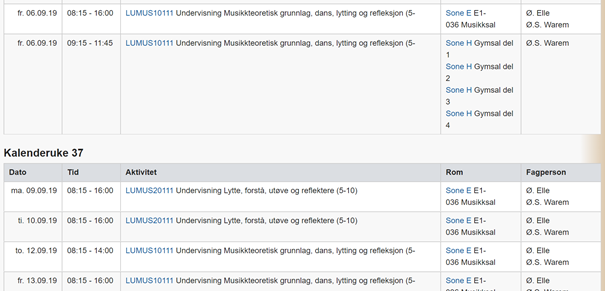
- Once you have logged in, your personalized schedule should come up, showing only the courses you are registered for for the current semester.
.png)
.png)