Are you experiencing problems?
Signing in
If you experience issues when signing in, see this guide for how to sign in to our services.
Note for students:
Remember that you need to register for a semester to gain access to your Canvas courses.
Changing the display language in Canvas
Canvas defaults to Norwegian for all students and staff. You can find a guide here on how to change the display language.
Notes for employees:
To get access to your topics in Canvas you must be registered in FS. The Executive Officers in Section for Student Services at each campus are responsible for this registration. If you cannot find your topic in Canvas, contact Section for Student Services by e-mail:
- studier-halden@hiof.no (Halden)
- studier-fred@hiof.no (Fredrikstad)
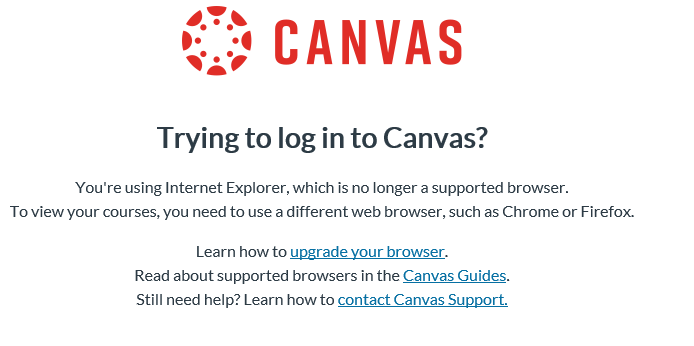
Can't log in to Canvas or get this message when you log in?
Get started with Canvas at HiØ
Help with Canvas?
If you need help with Canvas, contact IT-support through our Portal.
If you are unable to sign in send an e-mail or call IT Support ( IT-vakt )